Knowledge base › Tools
Best year review and annual planning apps 2026

The year-review tool landscape is odd: there are plenty of good question sets, but most of them permit the same mistake — reviewing the year from memory. This article walks through what exists, what each type is good for, and what makes a year review genuinely useful rather than merely pleasant.
What does a year review actually do?
Its job isn't to make you feel good. It has to do four things: order facts (what actually happened), show patterns (what repeated), force a decision (what you stop), and set direction (the one thing for next year). If a tool only manages the first, it's a summary, not a review.
The field in 2026
- Question booklets (e.g. YearCompass). Free, printable year-closing and year-opening question sets, available in many languages. Their strength is the quality of the questions and that no account is needed. Their limit is that they're one-off and work from memory.
- Notion and note-app templates. Endlessly customisable, and if you've worked in them all year there's something to reach for. In exchange you are the maintainer: a template is worth exactly as much as you maintain it.
- Journal look-back features. Most journal apps offer some “on this day a year ago” view. This is the most honest material that exists about you — but it's raw: you have to see the pattern in it yourself.
- Annual statistics in mood trackers. They give you a curve and a monthly breakdown. Excellent at showing when the year was hard, silent on why.
- Automatic recaps. The year-end look-backs from photo and music services. Entertaining, and they do remind you of things, but they aren't reviews — there's no decision in them.
- Goal and OKR tools. If you kept your goals in them all year, they give an accurate picture of completion. If you didn't, they have nothing to report in December.
- Paper and one quiet morning. Surprisingly competitive. If you have notes from the year, nothing else is required.
In short
- The quality of a year review depends on whether there's material to reach for — not on which app you do it in.
- Question booklets give the best frame, but they don't collect data.
- Journals and mood trackers collect, but you have to spot the pattern in them.
- If you realise in December that you have no material, the next step isn't picking an app — it's starting to collect.
Why most year reviews fail
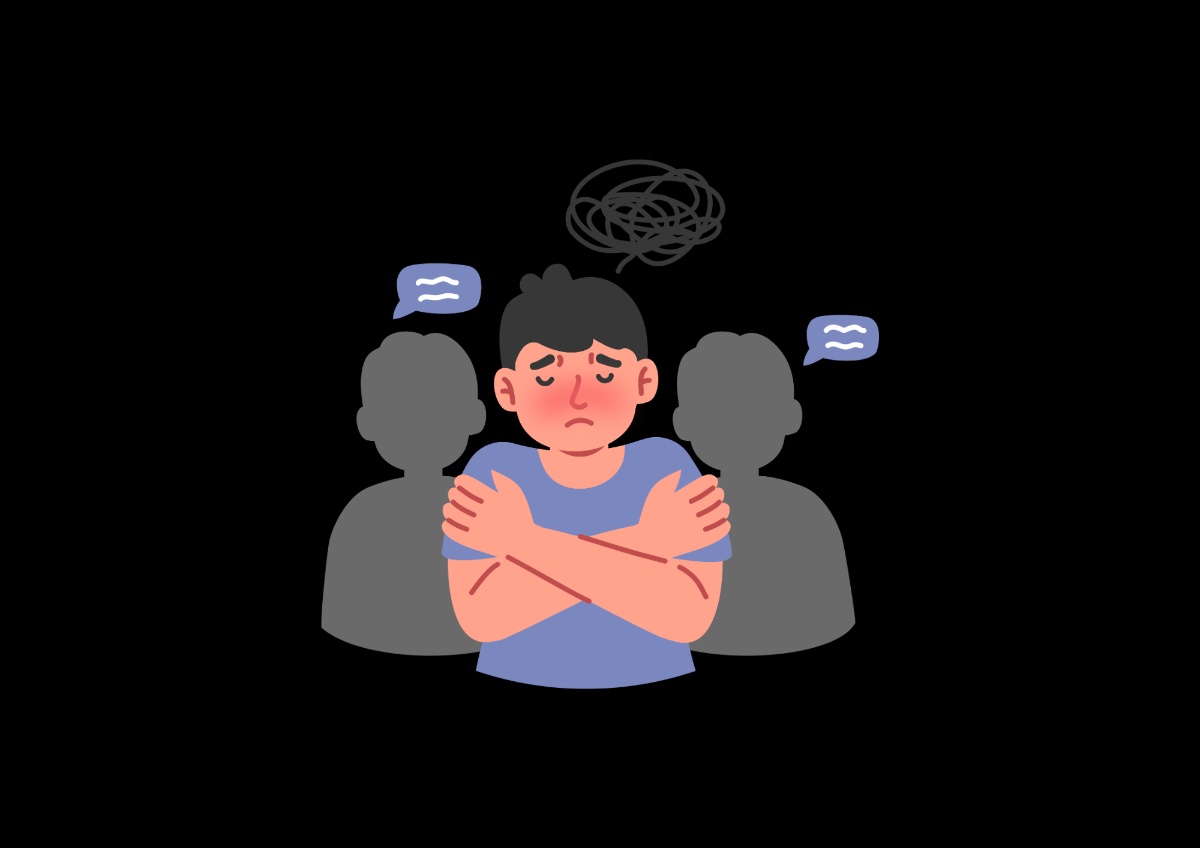
1. Memory isn't an archive. This is the biggest problem, and it applies to every tool that works from memory. The last six weeks overwrite the preceding ten months, and emotionally intense moments take disproportionate space. From memory, January to May typically becomes three sentences.
2. Bad timing. The 30th and 31st of December are the worst days for this: tired, amid holiday noise, under pressure to be finished by tomorrow. A year review is two hours of concentrated work. Late November or mid-January will get you far better answers.
3. No decision in it. The most common end product is a nice summary of what happened — and nothing about what will be different. If at least one thing you're going to stop doesn't come out of the review, it wasn't a review yet.
The four layers of a good year review
- Material. Anything generated during the year: entries, calendar, photos, invoices, messages. This is the reality check.
- Ordering. The material broken into quarters. This is how you discover that what you thought lasted “all year” was actually six weeks.
- Pattern. What repeated — not what happened once. A one-off event is a memory; repetition is information.
- Decision. One thing you stop, and one thing that is the direction for next year. Not ten goals. One of each.
Almost every tool in the field stops at the second and third layers. The first layer — material — can't be back-filled in December, and nothing can do the fourth for you.

Which one should you pick? — four questions
- Do you have material from the year? If not: pick a question booklet and accept that this year runs on memory. If yes: pick a tool where it's searchable.
- One-off event or process? One-off: a free booklet is plenty. Process — with quarterly reviews — needs something that's with you all year.
- Alone or discussed with someone? If you'd discuss it, it helps if the tool can produce an exportable summary.
- What do you want out of it? A memory, or a decision? This is the most important question, and most people don't ask it of themselves.
Checklist: what the tool should be able to do
- Chronological retrieval. Can you jump to a given month and see what was happening then?
- Several data types in one place. Text, mood, habits, goals — if these are scattered, the connection is lost.
- Quarterly breakdown. A year is too large a unit; a quarter is where the pattern is still visible.
- Export. Your own year should be extractable if you ever switch.
- Questions, not just fields. An empty template is as paralysing at year end as an empty journal is any time.
Where Mirrify sits in this
Mirrify isn't a year-review app — it's a system in which material accumulates all year: journal, mood, habits, goals, decisions and financial entries in one place. The annual review works from that rather than from your memory, and shows what repeated, broken down by quarter. In exchange, this isn't the tool you pick up on 28 December: if you download it now, this year will still run on memory. Next year's review quality depends on whether there was anything to draw on back in February.
Frequently asked questions
What's the best app for a year review?
There isn't a single best one, because we call two different things a year review. If you want a structured, one-off thinking frame, a question booklet or template is the best choice. If what you want is to know what actually happened to you this year, you need a tool that has been collecting data all year — because your memory will mistake the last six weeks for the whole year.
What is YearCompass?
A free, printable year-closing and year-opening booklet with a set of questions, made available in many languages. Its strength is that the questions are serious and well thought through, and it requires no account. Its limitation is that it's a one-off: you fill it in from memory, and no data accumulates towards next year.
Why isn't memory enough for reviewing a year?
Because memory isn't an archive, it's a reconstruction. Recent experiences overwrite older ones, and emotionally intense moments take up disproportionate space. If you sit down in December working from memory, the first half of the year typically shrinks to a few sentences — even though six months of life happened there too.
When should you do a year review?
When you have two uninterrupted hours — the calendar date matters less. Many people put it on the last days of December, which is the worst timing: tired, amid holiday noise, under deadline pressure. Late November or mid-January usually produces higher-quality answers.
How long does a proper year review take?
Two to three hours, usually across two sittings. In the first you go through the material, in the second you decide. Anyone who finishes in an hour has usually summarised rather than reviewed: they wrote down what happened but drew nothing from it.
Do you need a paid app for it?
No. A free question booklet and your own notes are perfectly sufficient for a good year review. Paid tools add exactly one thing: searchable material gathered across the whole year. If you don't have that, the thing to change is next year — not on review day.
What's the difference between a year review and annual planning?
A review looks backwards and orders facts; annual planning looks forward and makes decisions. They're usually done together, and that's right — but only in that order. Planning that doesn't start from the review typically writes down the same goals as last year.
Mirrify
A year review is only as good as its material
In Mirrify the material accumulates all year — journal, mood, habits, goals — and the annual review works from that. You don't have to reconstruct the year from memory.
- Journal, morning and evening reflection, habits, goals and to-dos — in one system.
- An AI mentor that remembers your earlier entries and shows you your patterns.
- Write with no connection: it syncs as soon as you are back online.
Related from the knowledge base
 GoalsYear-end review: 10 questionsAnd why new year's resolutions fail.11 min→
 GoalsBest goal-setting appsThe goal-tracking field in 2026.10 min→
 ToolsBest life planner appsWhat holds your life together.11 min→
 GoalsWish, goal or plan?The difference that stalls you.9 min→
 GoalsThe September resetSeptember is the year’s second big clean page — and the last one with real…12 min read→
 GoalsThe weekly reviewThe daily entry collects, the weekly review processes — and it is the…12 min read→